
Notice in time.
You get a notification when an agent needs approval, finishes its work or runs low on its limit. No more checking windows one by one.

Agenteeq for Mac
Claude Code, Codex, Cursor and web chats in one overview. See at once who is working, who is waiting for your decision and how much of your limits is left.
Apple SiliconmacOS 14 or laterfree in beta

Agenteeq watches your agents for you and speaks up the moment something depends on you.
You get a notification when an agent needs approval, finishes its work or runs low on its limit. No more checking windows one by one.
An agent that needs your decision sits at the top, with a button that takes you straight back to the conversation.

How much is left of your five-hour and weekly limits, and when they reset. No surprises halfway through a task.

Projects bring conversations from every tool together by working folder. In the morning you know where you stopped yesterday.

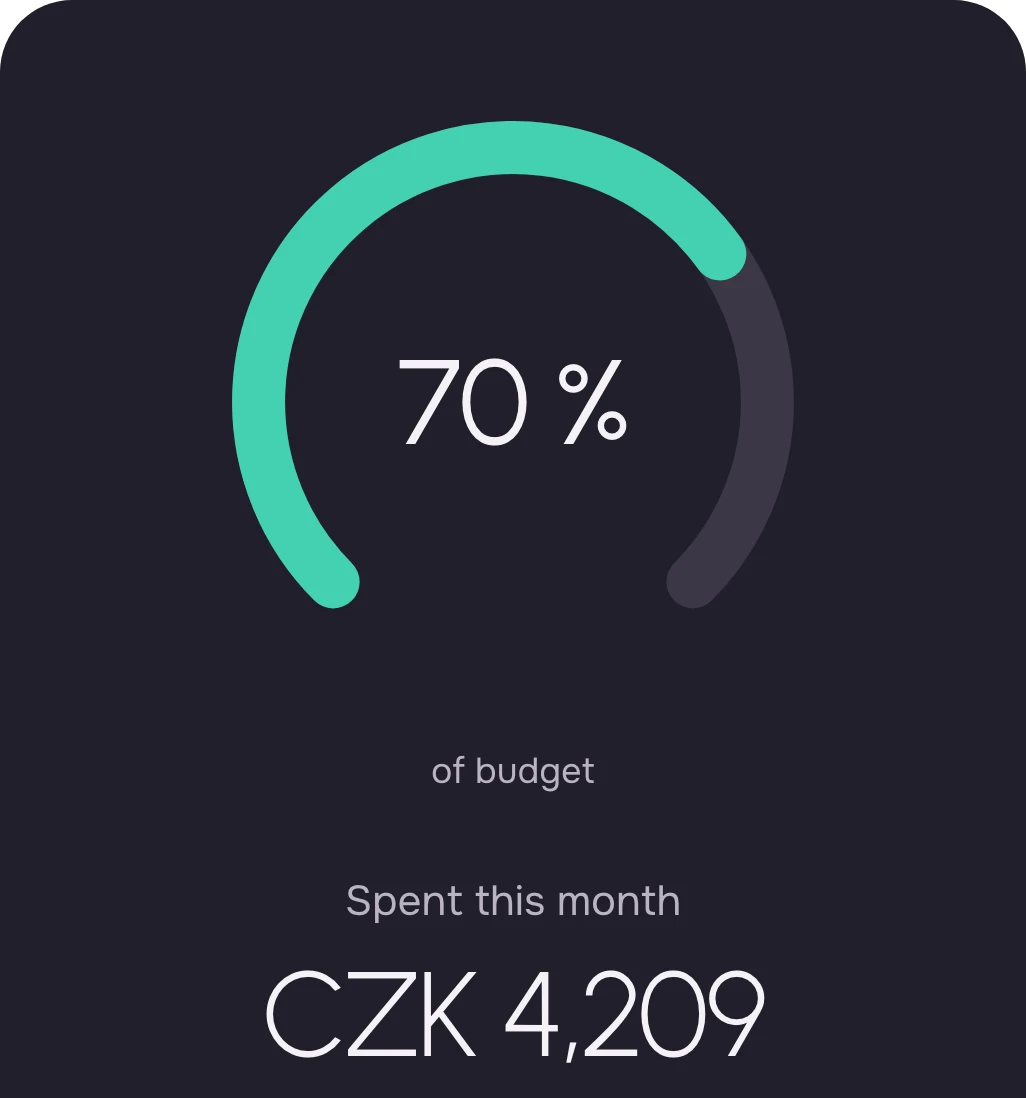
API costs broken down by model, subscriptions with their tier and price, and a budget that keeps watch on its own.
Agenteeq finds the tools on your Mac as soon as you start them. The Chrome extension adds your web chats.
Add the extension Claude Code
 Codex
Codex Cursor
 CopilotChatGPTClaude.ai
 Gemini
 Perplexity
Plus Claude Desktop, Gemini CLI, Qwen Code, Windsurf, Zed, Warp and more on your Mac. On the web, also Microsoft Copilot, GitHub Copilot, Grok and Qwen.
Privacy
Your conversation text, code and project names never leave your Mac. Agenteeq reads them only there.
Agenteeq works without signing up. With a Google account you also see tokens, spend and limits on the web, always as summary numbers, never conversation content.
On the same Wi-Fi or over Tailscale, scan the QR code in the app and your phone is paired. It sees your agents’ status; transcripts stay on your Mac.
No analytics and no ad trackers. Fonts and the interface ship with the app, nothing is loaded from third-party servers.
Download
Download, drag to Applications and allow it once on first launch. Right after that you see your agents.
Mac with Apple silicon · macOS 14 or later. Windows 10 and 11 · beta.
Installation, step by stepDouble-click Agenteeq in your Downloads. A window opens with the app and the Applications folder.
That’s the whole installation.
Open Agenteeq and close the dialog. In System Settings → Privacy & Security, scroll down to Security, click Open Anyway and confirm with your Mac password. Step by step
For people who live in Terminal. It downloads the latest release, verifies it, installs it in Applications and opens it. No step 3.
curl -fsSL https://agentree-fawn.vercel.app/install.sh | bashThe script checks the package’s SHA-256 digest against GitHub and installs nothing if they differ. It moves the old version to the Trash. Read the script
The extension pairs with the app on its own. Also works in Brave, Arc and Edge.
During the beta, Agenteeq is free with every feature. We will publish pricing for the paid version before the beta ends.
Yes. It recognises your Claude and ChatGPT plan on its own, with the tier and its list price. It loads API costs from the Anthropic and OpenAI Admin APIs, broken down by model. It never converts tokens into money, it shows only verified amounts.
No. Agenteeq finds the tools on your Mac as soon as you start them. Add the extension for web chats, API costs or an account whenever you want them.
No. Agenteeq reads transcripts only on your Mac and sends them nowhere. Account sync carries summary numbers only.
The Windows version is in beta. Download it above; the install page lists how it differs from the Mac.